
MOUSE PRACTICE GAME
Free mouse practice games for kids
Make a child’s first computer feel like play, not practice.
In a little meadow, they feed friends and hatch eggs, and get to know the mouse along the way. Made for kindergarten and the early school years, and it runs right in your browser.
- Move
- Click
- Double-click
- Drag
- Scroll



5 GAMES
Five operations, five little games
One game, one operation. Click a card and it starts right away.
- 1Start here
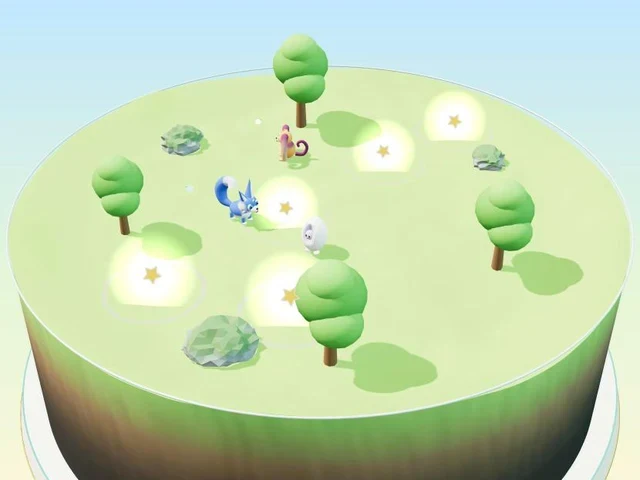
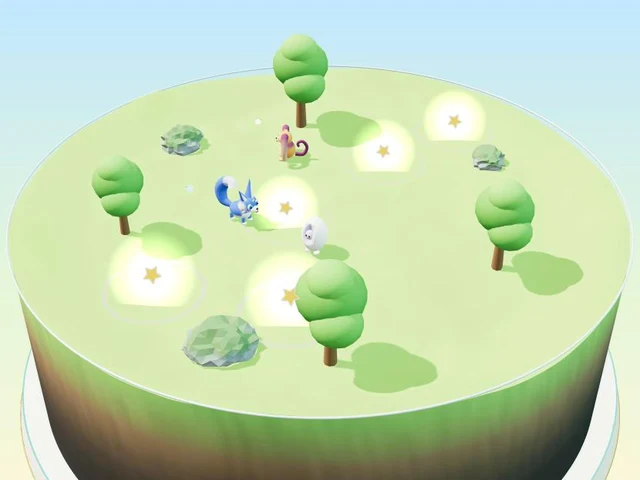 Movejust moveMove the cursor onto the lights and flowers pop open. No clicking needed.▶ Play
 - 2
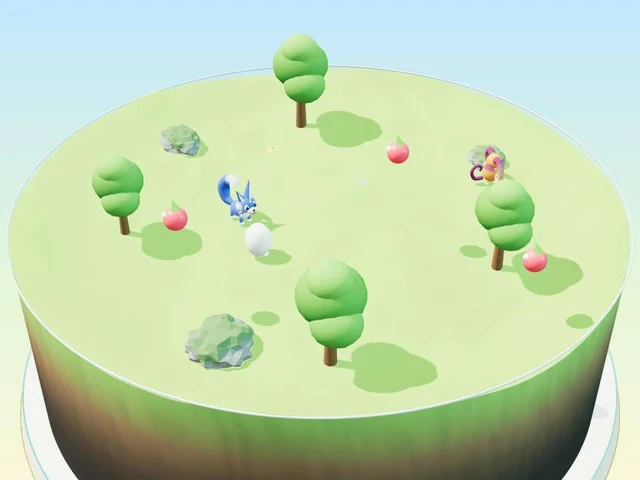 Clickpress onceClick once to drop food. Your friends eat it and grow a little.▶ Play
 - 3
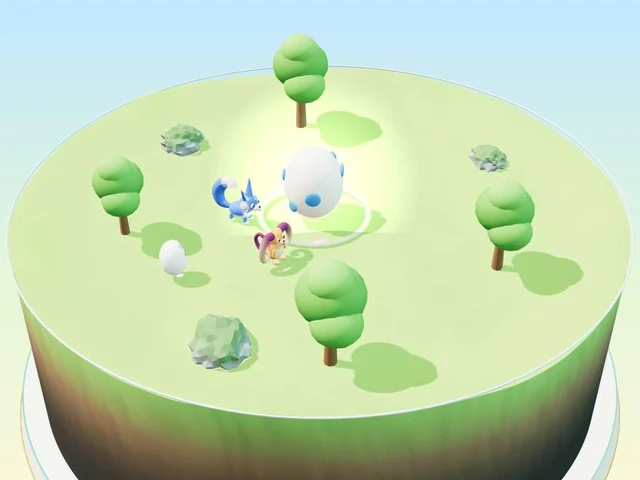 Double-clicktwo quick clicksClick the big egg twice, quickly, to hatch a new friend.▶ Play
 - 4
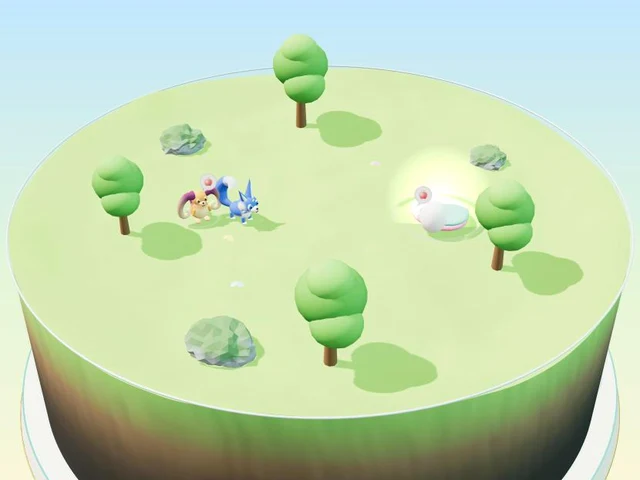 Draghold and moveGrab a friend and carry it to bed while holding the button.▶ Play
 - 5
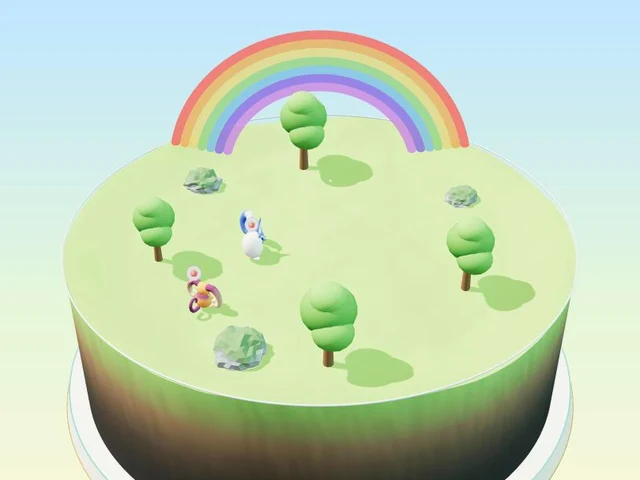 Scrollroll the wheelRoll the wheel to zoom in and out. Find fairies and a rainbow.▶ Play
There are more games too: crabs on the beach, buds at the pond, fish in the river, boats at the harbor, and a fishing game where children collect fish in a picture book (under “More games”).
What is it?
Hajimari Garden is a mouse practice game you play in your browser, set in a little meadow diorama. Children try five basic mouse operations, one at a time, through play: moving, clicking, double-clicking, dragging and scrolling.
For your child, it is feeding friends, hatching eggs and watching them grow. For you, it is a gentle way for them to get comfortable with the basics of the mouse.
- Free, with no sign-up and no download (just open it in your browser)
- No ads on the game screen
- Designed with ages 5–7 in mind (anyone new to computers can play)
- Works with a mouse or a laptop trackpad
For parents: made to be easy to trust
- No sign-up. We never ask for a name or an email address.
- No ads on the game screen. A child can’t press one by mistake.
- No personal information collected. Game progress is saved only inside your browser. See Privacy for details.
- No scolding, and endless retries. A mistake just moves on to the next try.
- Short games. Each one ends before a child gets tired.
Tips for when a skill is tricky: How to teach a child to use a mouse, Double-click practice for kids, Drag and drop practice for kids and Trackpad or mouse first?
The ideas behind the site are in Our story.
Before you play
- It opens in a web browser on a computer. We have tested it in Chrome.
- The “How to” button shows, with short animations, how to move your hand with a mouse or a trackpad.
- If nothing happens for a while, a small “How to” hint appears on its own.
- The game is shown in English when you start it from this page.
Frequently asked questions
Is the mouse practice game free?
Yes. It is free, with no sign-up or login. Open it in your browser and start playing.
Do I need to download anything?
No. It runs in your web browser, so there is nothing to download or install.
What age is it for? Is it good for kindergarten?
It is designed with ages 5–7 in mind, so it suits kindergarten and the first years of school. Younger children can play too, with a grown-up nearby. Each game uses only one operation, and a moving hand on the screen shows what to do.
Does my child need to enter a name or email address?
No. We never ask for your child’s personal information. Game progress is saved only inside your browser, and is not sent to our server.
Are there ads on the game screen?
No. We do not place ads on the game screen, so there is no worry about a child pressing one by mistake.
Can my child use a trackpad instead of a mouse?
Yes. The game works with a mouse or a laptop trackpad. The “How to” button shows, with short animations, how to move your hand for each.
Does it work on a phone or tablet?
It is currently made for web browsers on a computer, because it is about practicing the mouse and trackpad. We have tested it in Chrome.
What if my child gets stuck?
If nothing happens for a while, a small “How to” hint appears on its own. You can also open it any time with the “How to” button. In the game, mistakes are never scolded, and a child can try again as many times as they like.